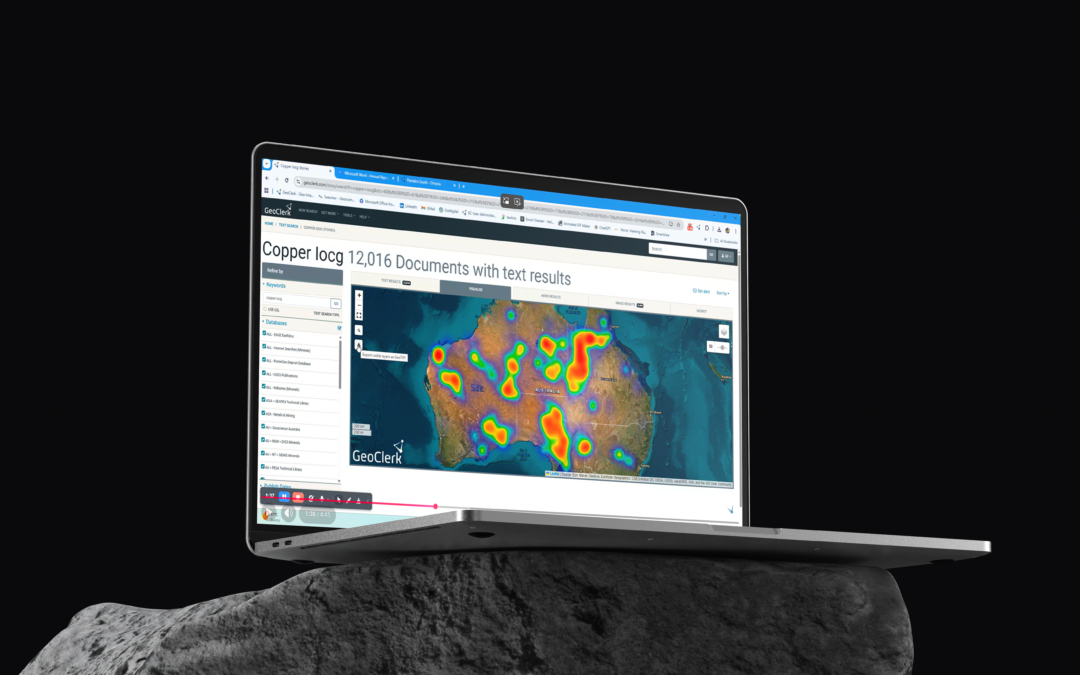
by user | Feb 26, 2026 | Tips & Tricks
Generating & Using Heatmaps - A Refresher 26.02.2026 GeoClerk’s heatmap functionality adds an immediate spatial dimension to your search results, transforming document or image lists into clear geographic insight. Every result returned from a query is plotted on a...
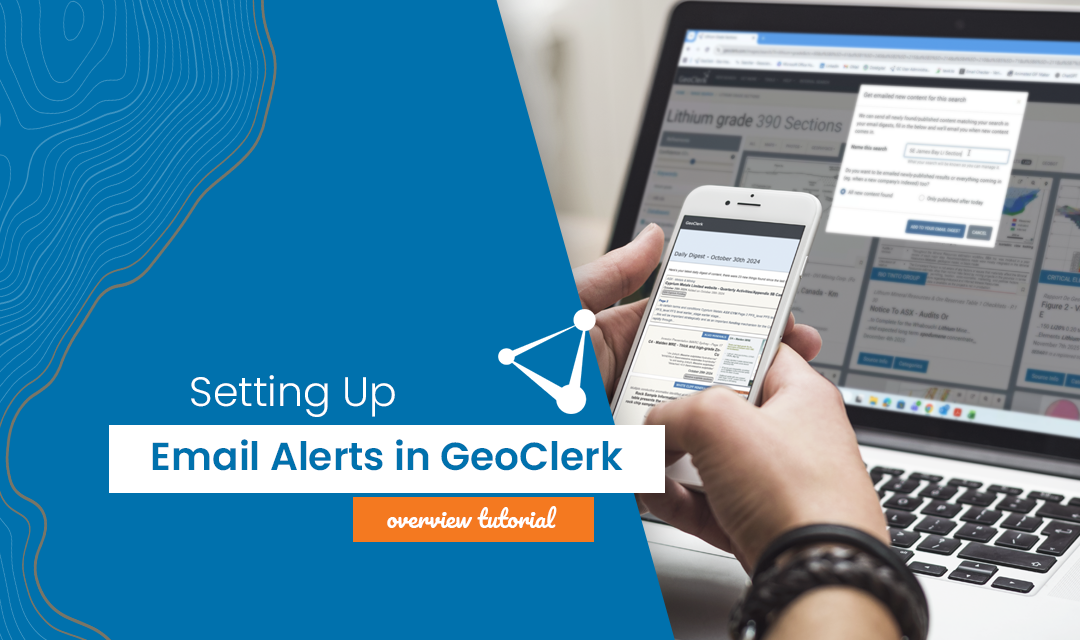
by user | Jan 30, 2026 | Tips & Tricks
Setting up Email Alerts - A Quick Refresher 30.01.26 Staying on top of new information doesn’t have to mean constantly re-running searches. GeoClerk’s ‘Email Alerts’ ensure the latest, most relevant data is delivered straight to your inbox without users...
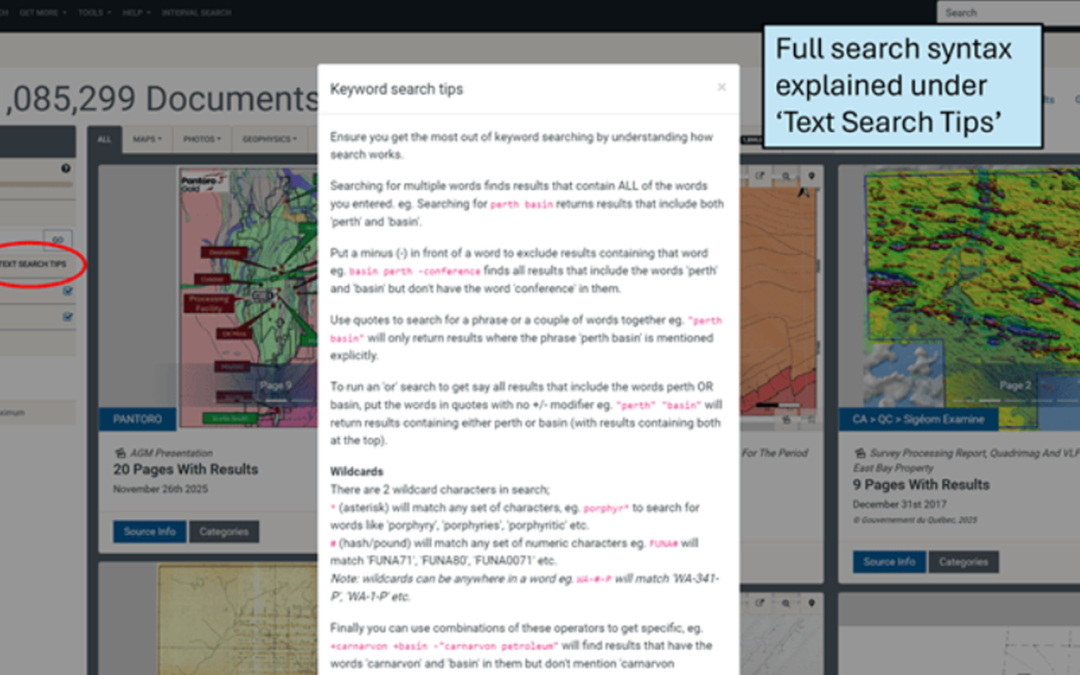
by user | Nov 28, 2025 | Tips & Tricks
Keyword Search Tips - A Quick Refresher 28.11.25 Keyword searching in GeoClerk isn’t just about typing in a word and hoping for the best. You can get clever – exclude things you don’t want, run “or” searches, throw in a wildcard, or mix and match the lot to...
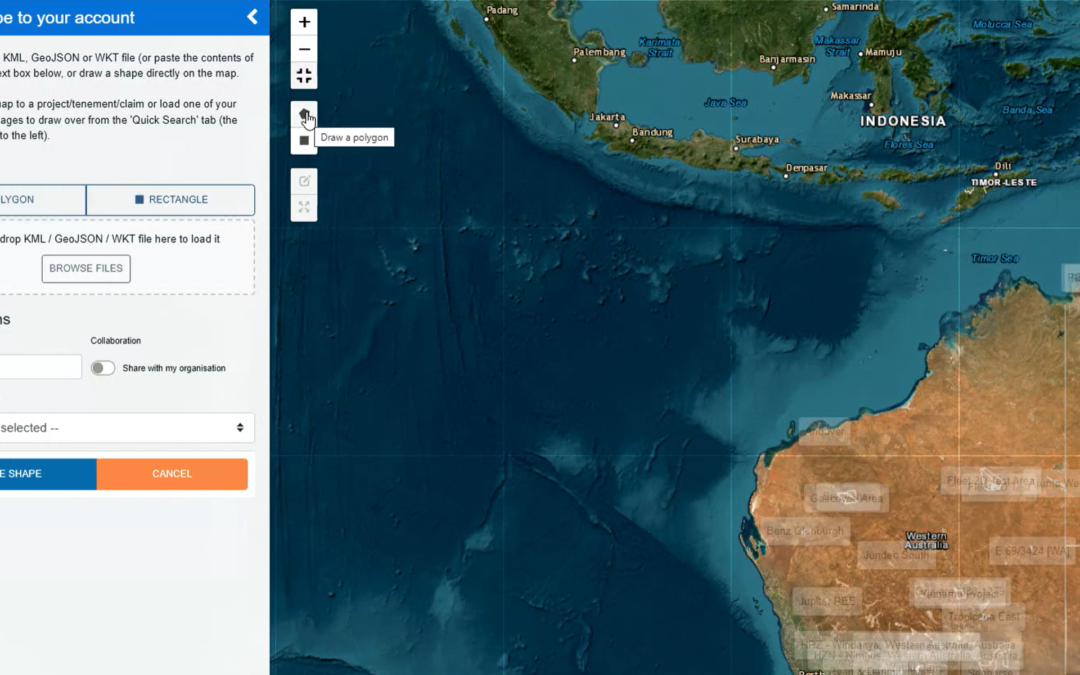
by user | Oct 8, 2025 | Tips & Tricks
Creating Shapes in GeoClerk - A Quick Refresher 08.10.25 Over the past few months, GeoClerk’s spatial viewer and georeferencing interface have had a number of updates, making it a good time to revisit the different ways you can create shapes in the platform. The video...
by user | Aug 29, 2025 | Tips & Tricks
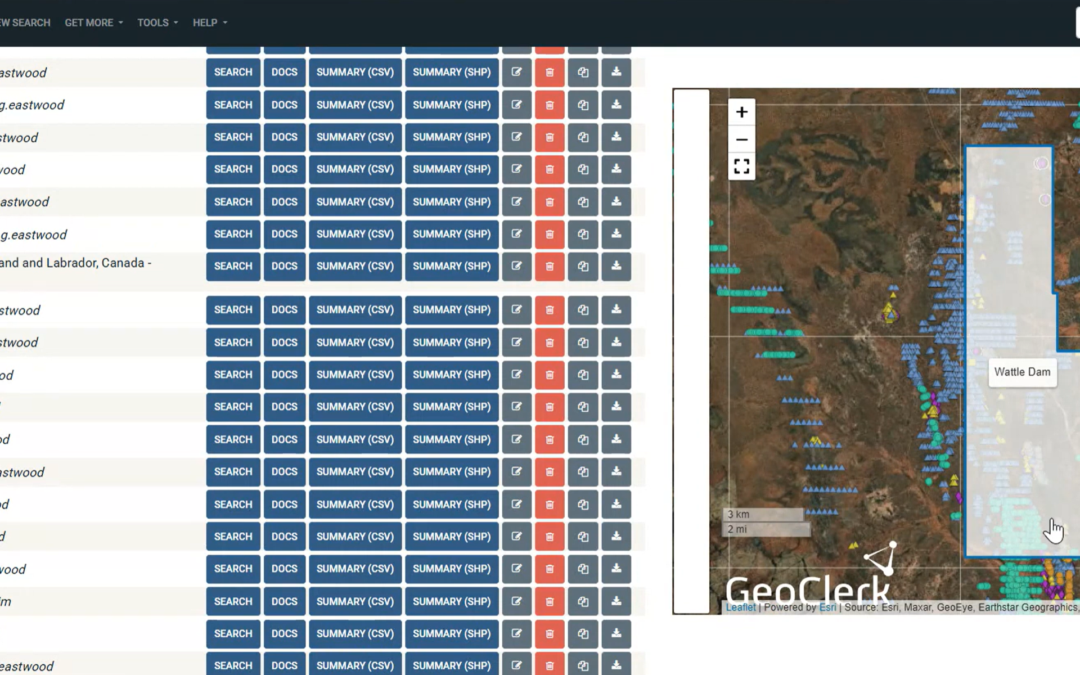
Compiling Historical Drilling Assays - A GeoClerk Workflow 30.01.26 GeoClerk streamlines the process of locating historical drilling results and compiling them into digital, ready-to-use records. In the video below, we demonstrate a practical workflow using an area...
by user | Apr 29, 2025 | Tips & Tricks
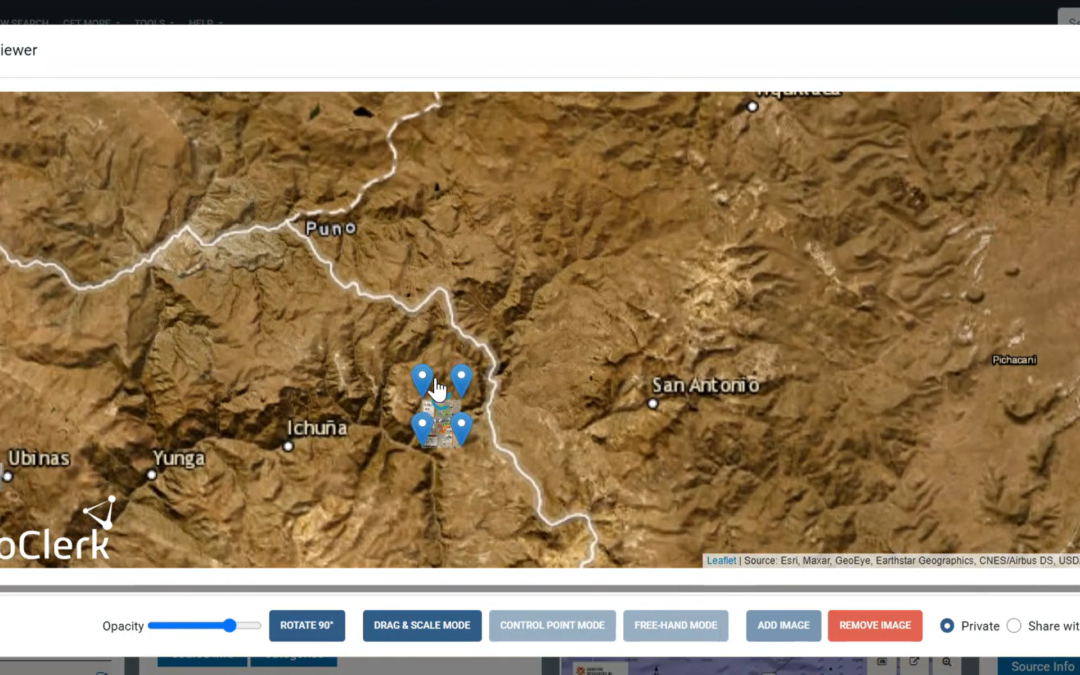
Georeferencing Got Smarter & Easier 29.04.25 GeoClerk’s quick georeferencing tool is already a favourite for dropping maps and spatial geophysics into the right spot – and it recently got even better, allowing users to run it on documents that don’t have any...

Recent Comments