by user | Feb 26, 2026 | What's New
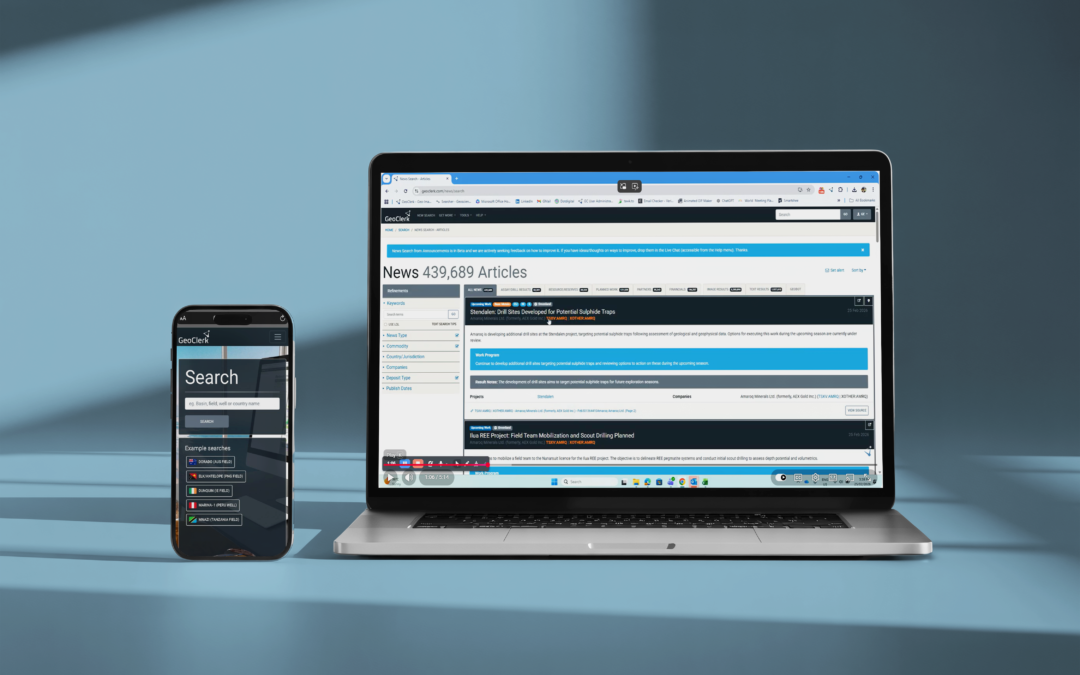
Personalised Location - Aware News Feed 26.02.2026 Staying on top of the news that actually matters to you with GeoClerk’s new customisable news feed. Filter incoming announcements by commodity, company, mineralisation stye, or area of interest to create a...
by user | Jan 30, 2026 | What's New
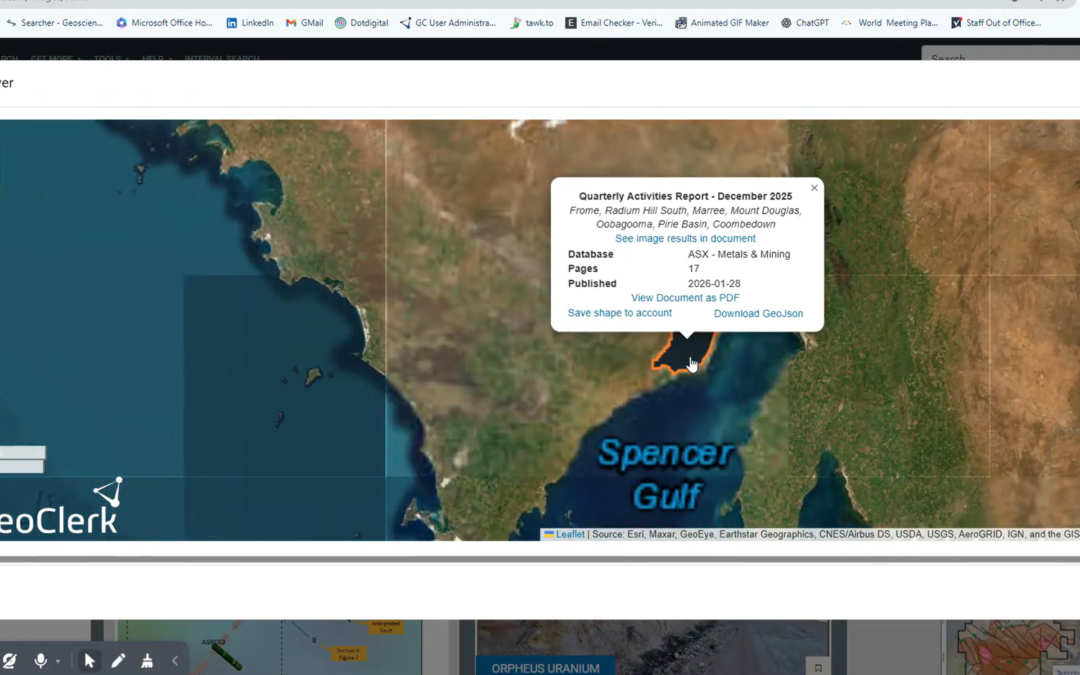
ASX and TSX Documents Now Spatially Searchable 30.01.26 Finding the right information in regulatory filings no longer means wading through thousands of PDFs. Through GeoClerk’s proprietary document processing workflows, ASX and TSX filings are enriched with critical...
by user | Oct 8, 2025 | What's New
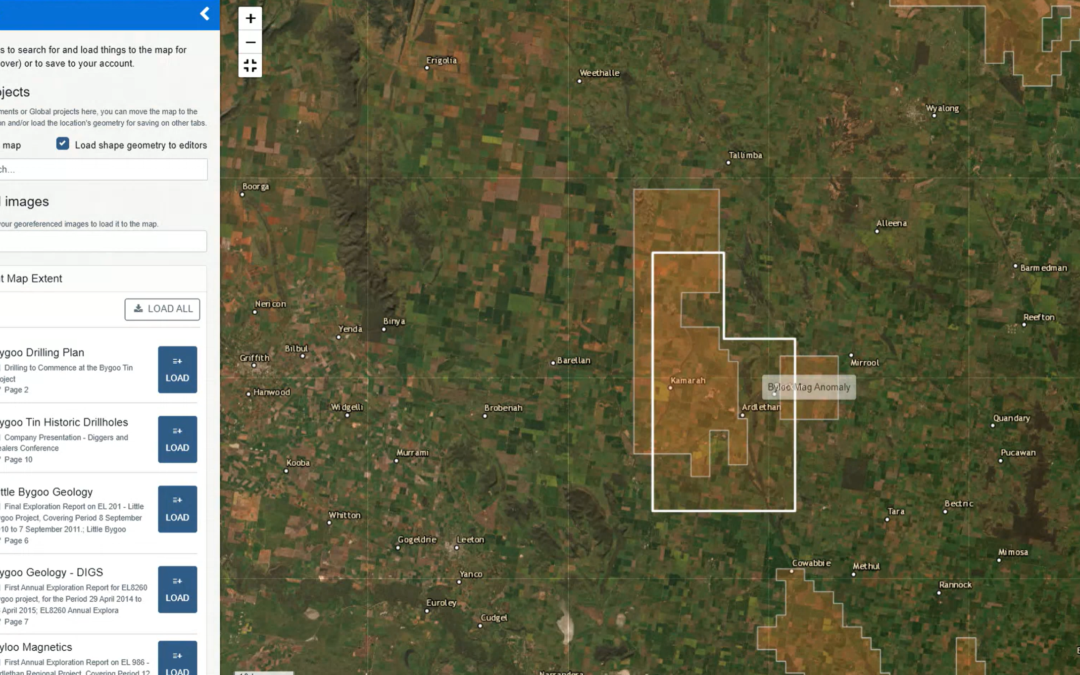
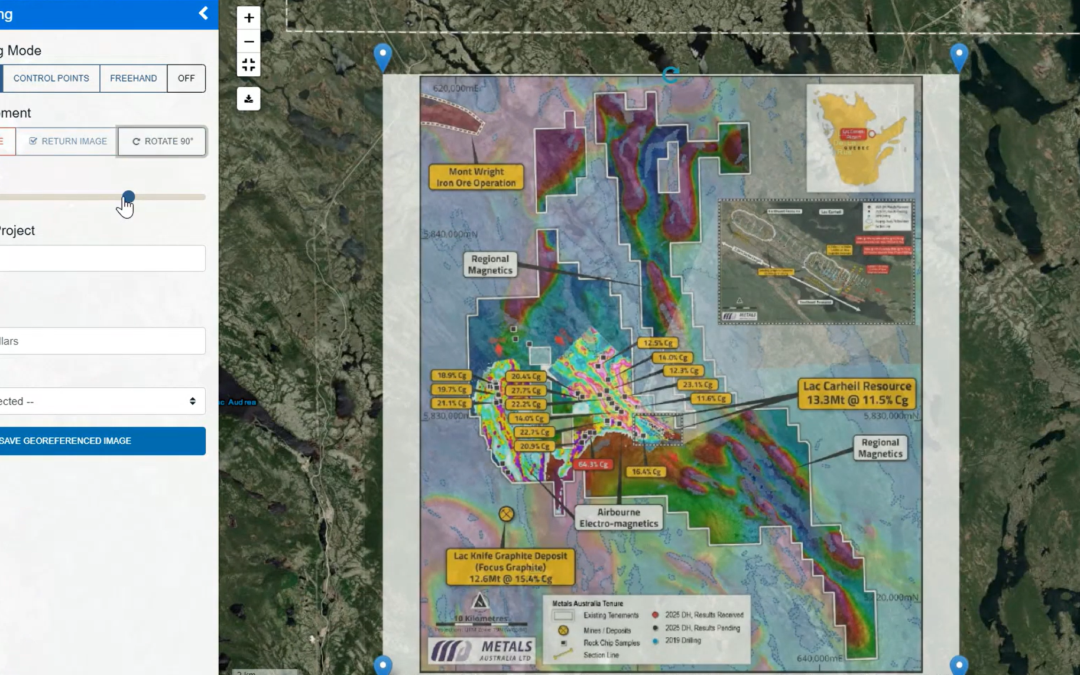
Layer it on - Smarter Maps in GeoClerk 08.10.2025 We’ve rolled out another upgrade to GeoClerk’s spatial tools – this time making working with layers far more powerful and flexible. Previously, only a single georeferenced image could be loaded into the viewer,...
by user | Aug 29, 2025 | What's New
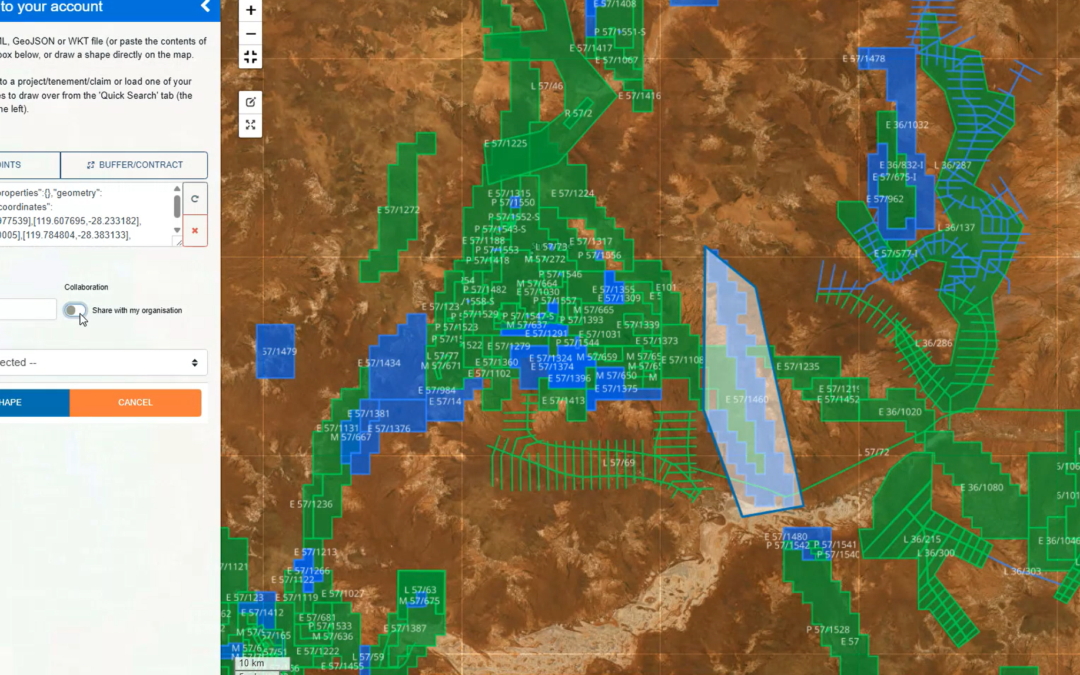
Spatial Viewer Update 29.08.25 We’ve given the Spatial Viewer a bit of a makeover! All the controls have moved right into the map itself, so no more hopping over to the sidebar. This means you can go full screen to georeference images, work with shapes and have...
by user | May 30, 2025 | What's New
Georeferencing Gets a Makeover 30.05.25 After expanding georeferencing to cover images without spatial metadata (as featured in April’s newsletter), GeoClerk is back with more upgrades to the tool – this time with a sleek, refreshed interface designed to make it...
by user | Apr 29, 2025 | What's New
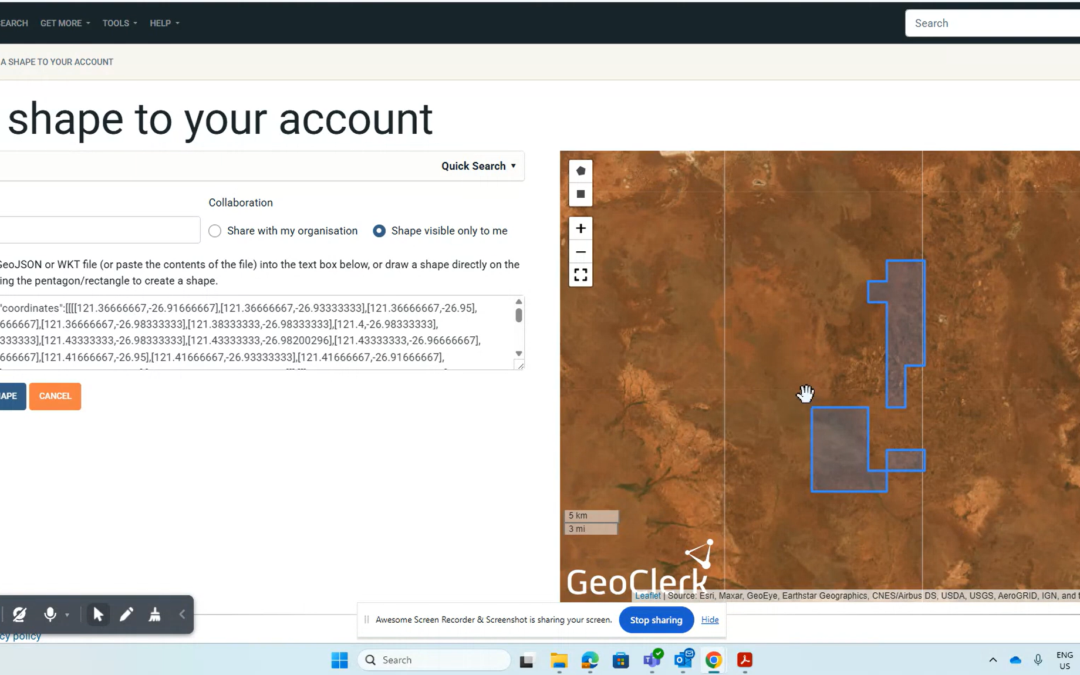
Quick Add Tenement & Project Shapes 29.04.25 Adding shapes in GeoClerk just got a whole lot easier. If you know the tenement ID and you’re in Australia, you’re sorted – just pop it into the new Quick Search tool under ‘Add New Shape’, select it, and save. That’s...

Recent Comments